Magical XML/HTML Sitemap
Get Found. Get Clicks. Get Sales.
5 ★ (24 reviews) · Shopify App Store
Give search engines and shoppers a clear map of your entire store. Better crawling means better rankings and more traffic that converts.
SEO That Works on Autopilot
Your XML sitemap keeps Google up to date as you add products, collections, and pages.
Beautiful HTML Sitemap Pages
Give shoppers a bird's-eye view of your catalog with a fully styled, on-brand sitemap page.
Zero Maintenance Required
Automatic content rules add new products and pages to your sitemap without any manual work.
Features
Automatic Content Rules
Use rules to automatically display new content on your HTML sitemap. New products and pages show up without any manual work.
Learn more →HTML Sitemap Customization
Add a customizable HTML sitemap that helps customers navigate your entire store catalog. A bird's-eye view of every product, collection, and page.
Learn more →Sitemap Layout & Styles
Customize your sitemap with unique layouts and styles. Match colors, fonts, and structure to your brand for a seamless look.
Learn more →XML Sitemap for SEO
Link your XML sitemap for Google SEO. Help search engine crawlers discover and index all your store content efficiently.
Learn more →How it works
Get up and running quickly — see our complete setup guide for step-by-step instructions.
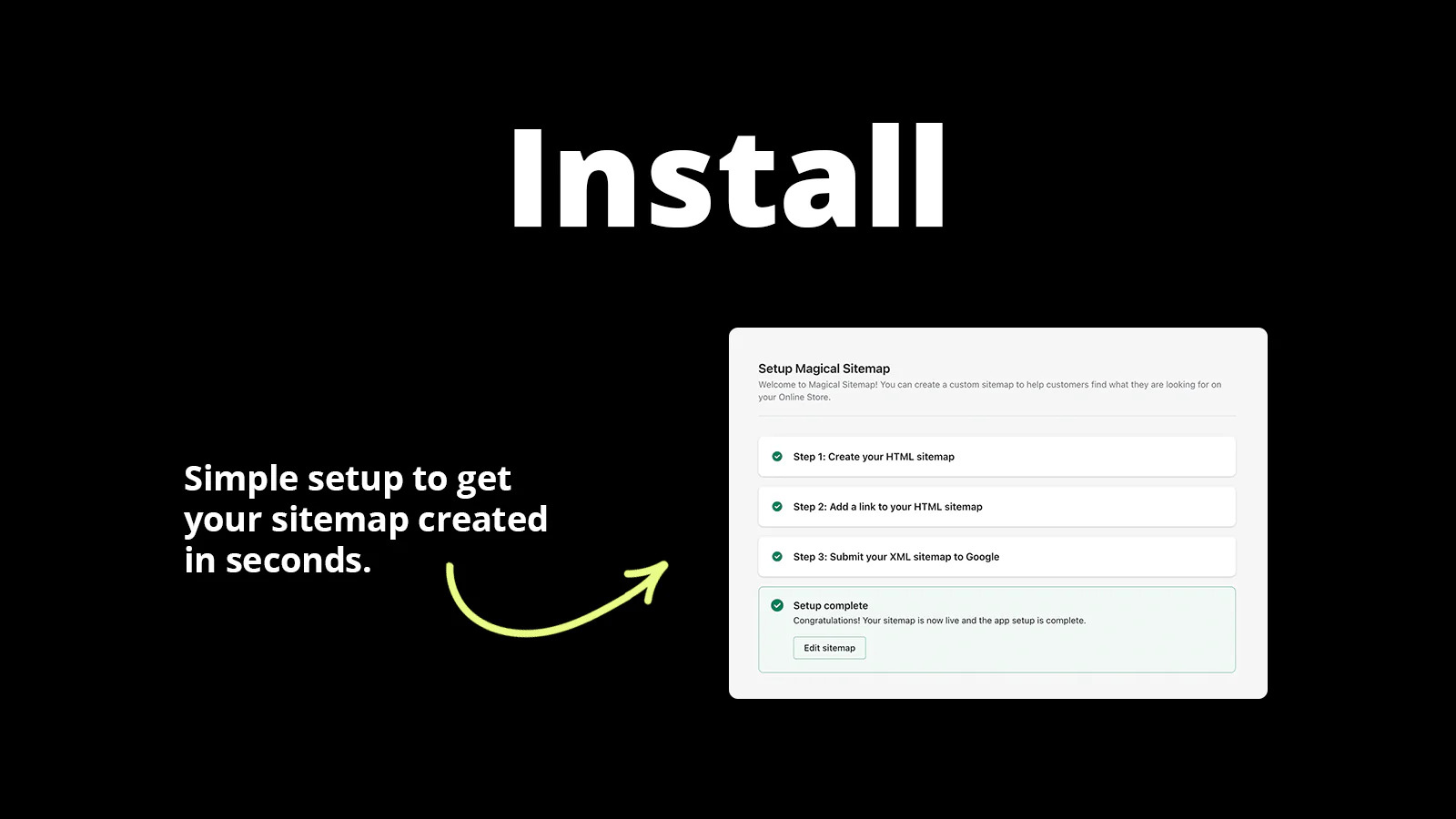
Install the App
Add Magical Sitemap to your Shopify store and it starts generating your sitemaps immediately.
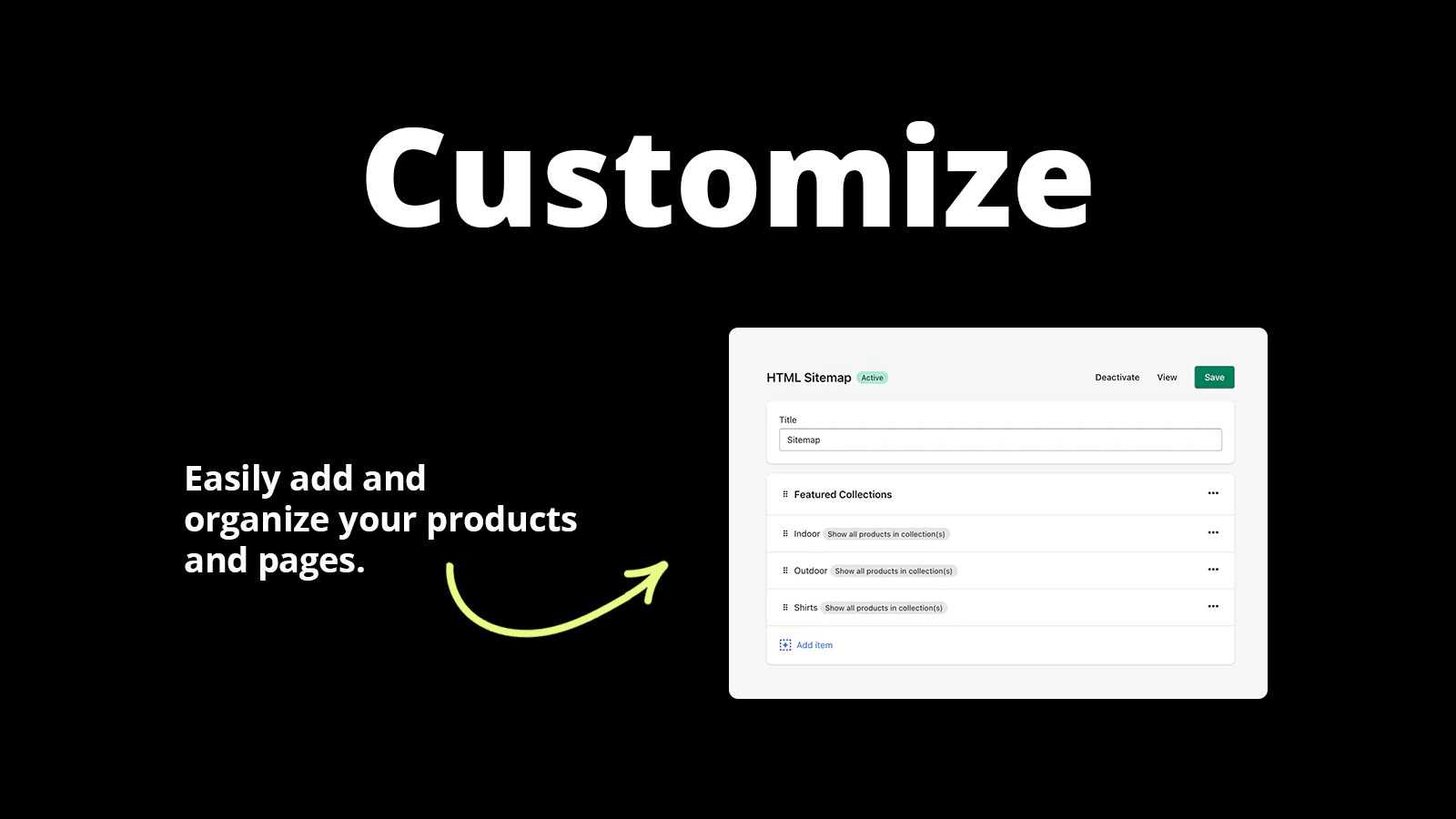
Customize Your Look
Choose layouts, colors, and styles to match your brand, or use the beautiful defaults.
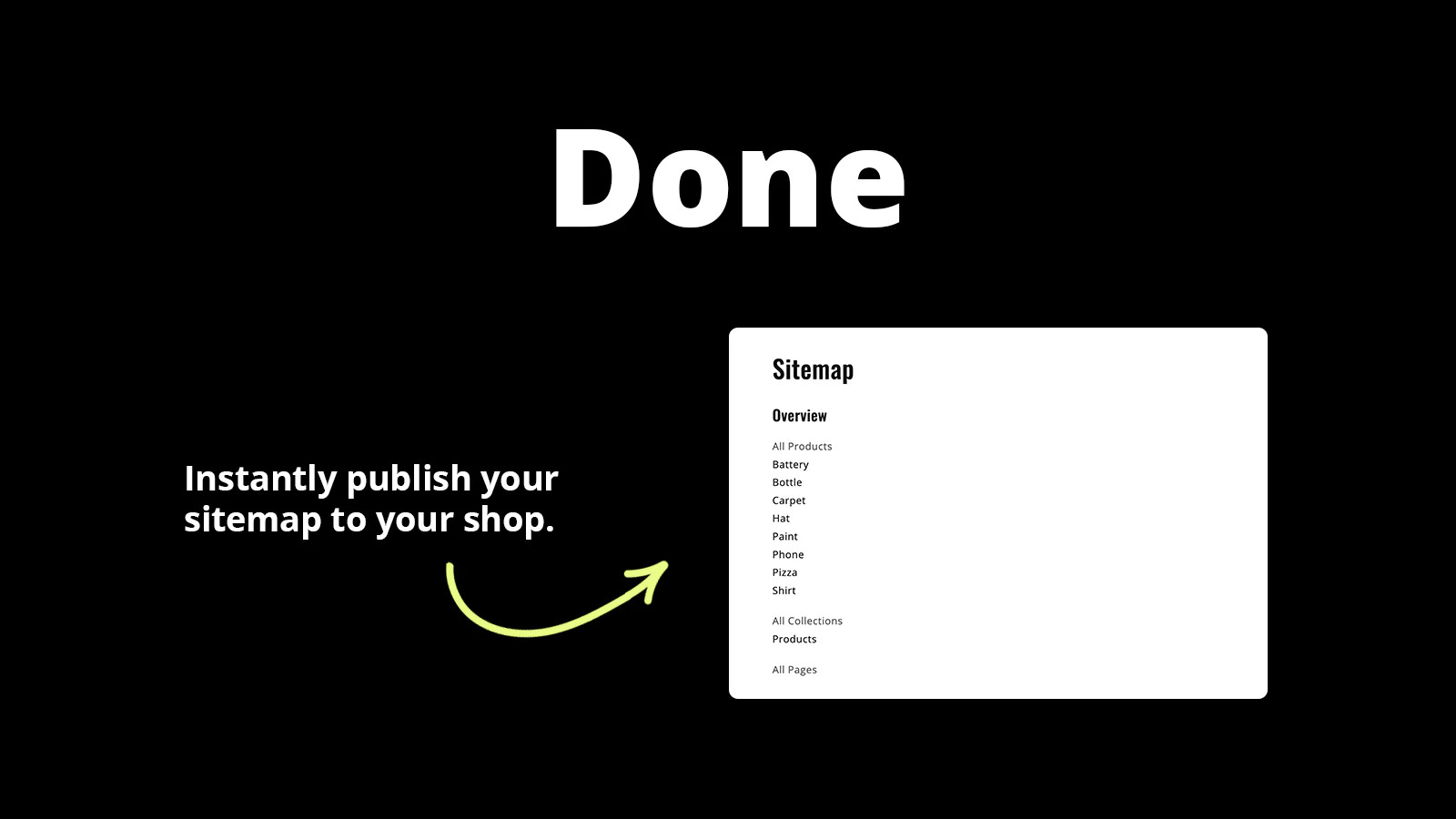
Rank Higher Automatically
New content appears in your sitemaps instantly, keeping search engines happy and traffic growing.
Reviews
What merchants are saying about Magical XML/HTML Sitemap.
Merchants highlight the well-organized sitemaps, the support team that will customize code for your store, and noticeable improvements in search visibility.
“Been using this app for a while. Customer service is top notch!”
“Setup was very easy, and sitemaps are well organized for customers and Google. More importantly, Support is responsive and helpful. I asked for assistance with organizing the way the HTML sitemap displays, and they jumped into the code and made adjustments in less than a day.”
“Works great and speedy support when we reached out. This app is fairly simple to use and it does what it needs to do.”
Pricing
Simple, transparent pricing. Try free for 14 days.
Plans
Choose the plan that fits your store.
Setup Guides
Step-by-step instructions to get Magical XML/HTML Sitemap configured correctly.
How to Set Up Magical Sitemap
App Setup InstructionsAfter completing the app installation, read the setup instructions to learn how to create your sitemap and add a link to it on your store.
View guide →How to Set Up Magical XML/HTML Sitemap
Create your HTML sitemap page and add a link to your store menu so customers and search engines can find every page.
View guide →How to Setup Magical XML/HTML Sitemap
Discover how to setup an HTML sitemap and submit your XML sitemap to Google with the Magical XML/HTML Sitemap Shopify app. View Instructions.
View guide →FAQs
Quick answers to common questions and troubleshooting for Magical XML/HTML Sitemap.
Can I add additional columns to the HTML sitemap layout with Magical Sitemap?
It’s not currently possible to add more columns to the sitemap. The only layout-related setting available is the “Stacked” or “Columns” option on the Settings page.
Read FAQ →Can I exclude specific content from my HTML sitemap when using the All Products, All Collections, or All Pages items with Magical Sitemap?
No, when you use the All Products, All Collections, or All Pages items, the app will include every item from that category on your HTML sitemap.
Read FAQ →Can I generate separate sitemaps for different sections of my store with Magical Sitemap?
No. The app creates one customizable HTML sitemap page for your store. You cannot generate separate sitemaps for different sections.
Read FAQ →Videos
Watch Magical XML/HTML Sitemap in action — demos, setup walkthroughs, and use case guides.

Articles
In-depth guides on strategy, comparisons, and advanced features.
Guide to Shopify SEO Optimization
Learn what Shopify SEO optimization is, how to optimize your store, and find an app you can trust. Read Guide. Learn how to add Shopify SEO Optimization to.
Read more →Benefits of implementing Shopify SEO optimization
Learn how implementing Shopify SEO optimization is one of the best ways to rank higher and attract new customers. Read Article.
Read more →How to Add Shopify SEO Optimization
It’s best to use an app to add Shopify SEO optimization due to their limited native solutions. View native and app-based solutions.
Read more →Don't see what you're looking for?
Not sure which app or feature fits your store? Have a custom requirement? Reach out — we're happy to help.
Ready to get started?
Install Magical XML/HTML Sitemap on Shopify and see the difference today.
Install Magical XML/HTML Sitemap on Shopify