Install Magical XML/HTML Sitemap from the Shopify App Store, then follow the steps below to go live.
Step 1: Create your sitemap page
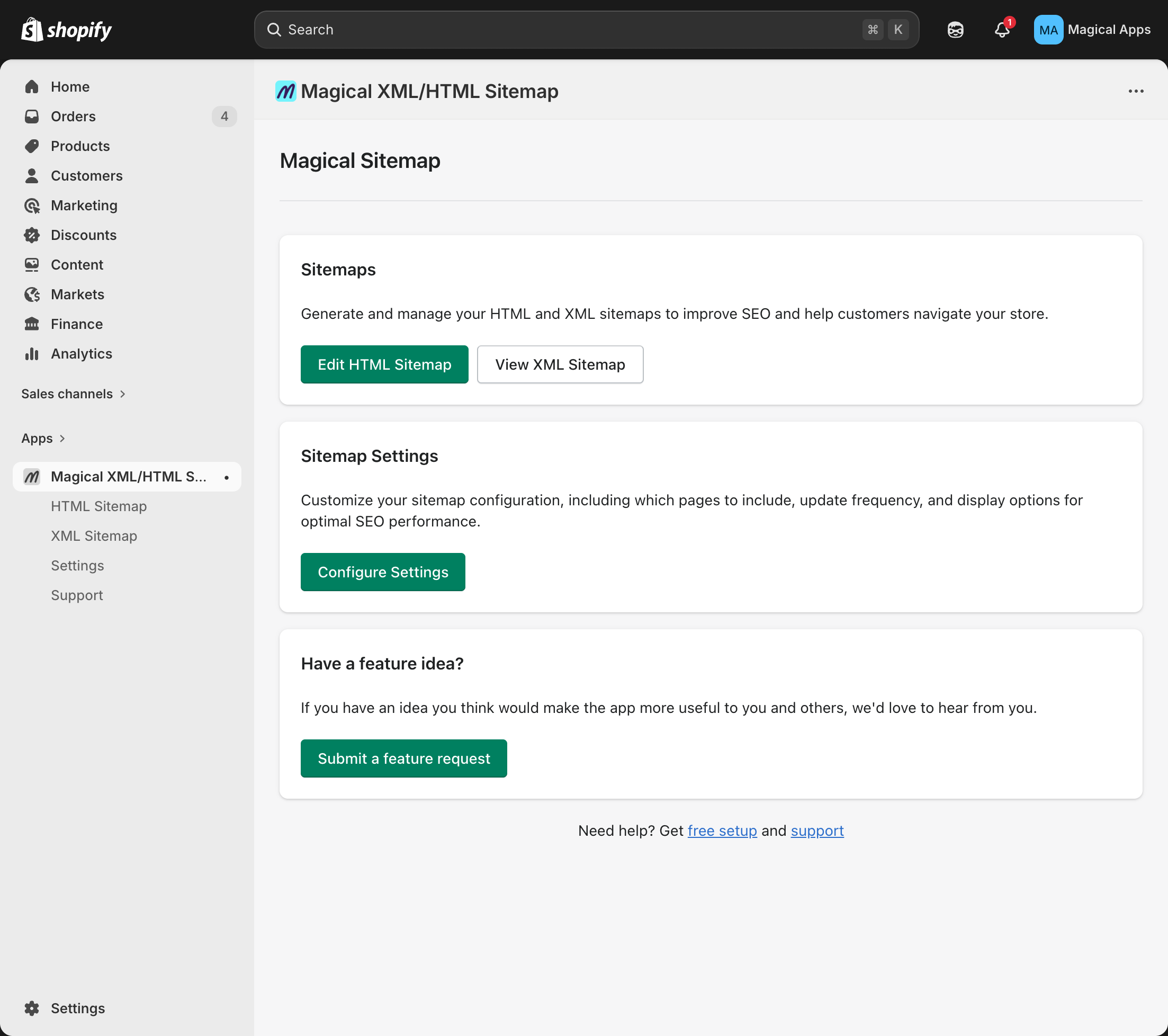
- In Shopify admin, go to the Magical Sitemap app.
- Click Create sitemap.
Step 2: Add a link to your store menu
Note: This is a one-time setup. If you've already done it, skip this step.
- In Shopify admin, go to Content > Menus.
- Select the menu where you want the link to appear (e.g., Footer menu).
- Click Add menu item.
- In Label, enter "Sitemap".
- In Link, enter
/tools/sitemap, then click the check icon. - Click Save.
That's it — your HTML sitemap is now live on your storefront.